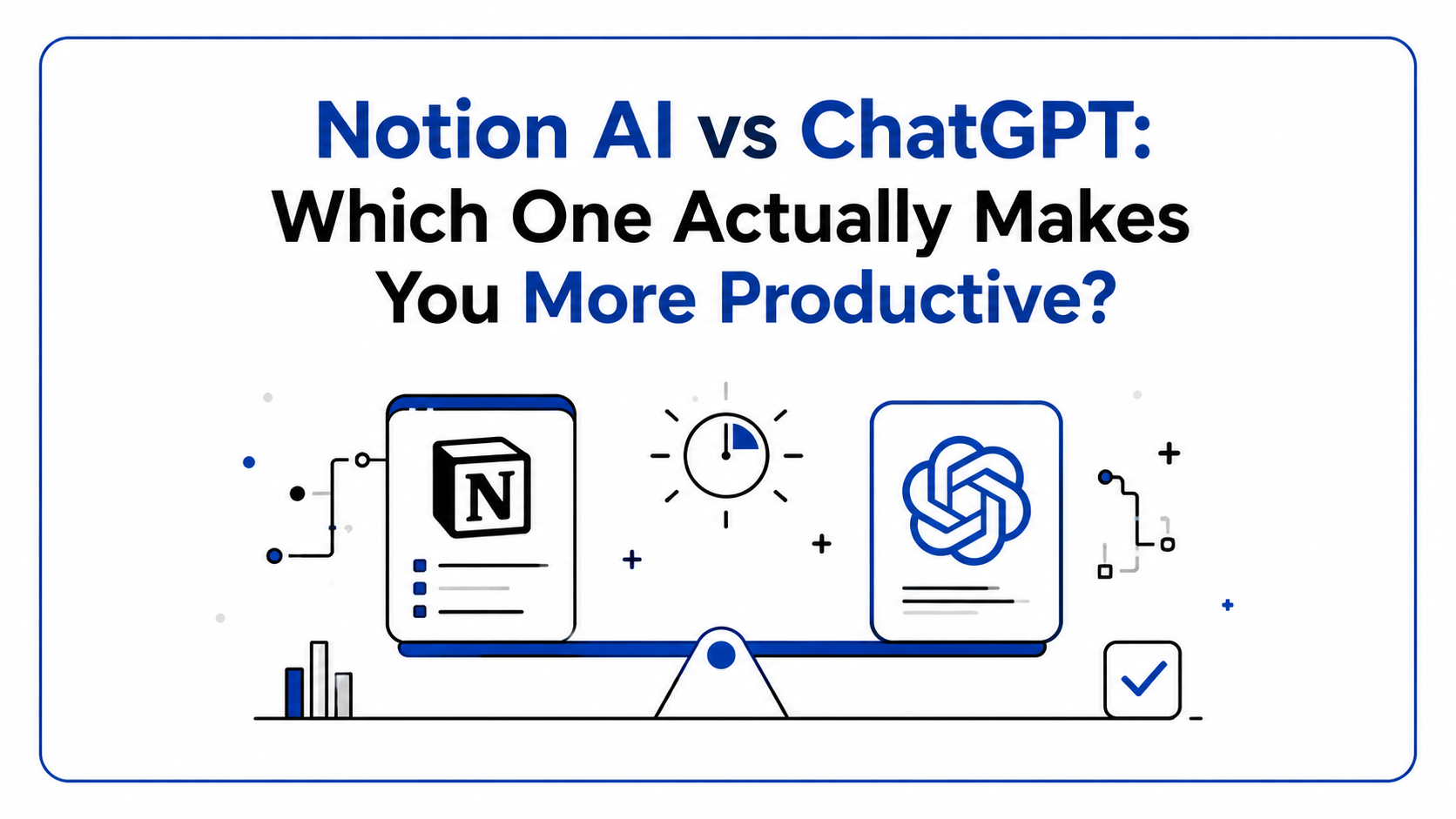
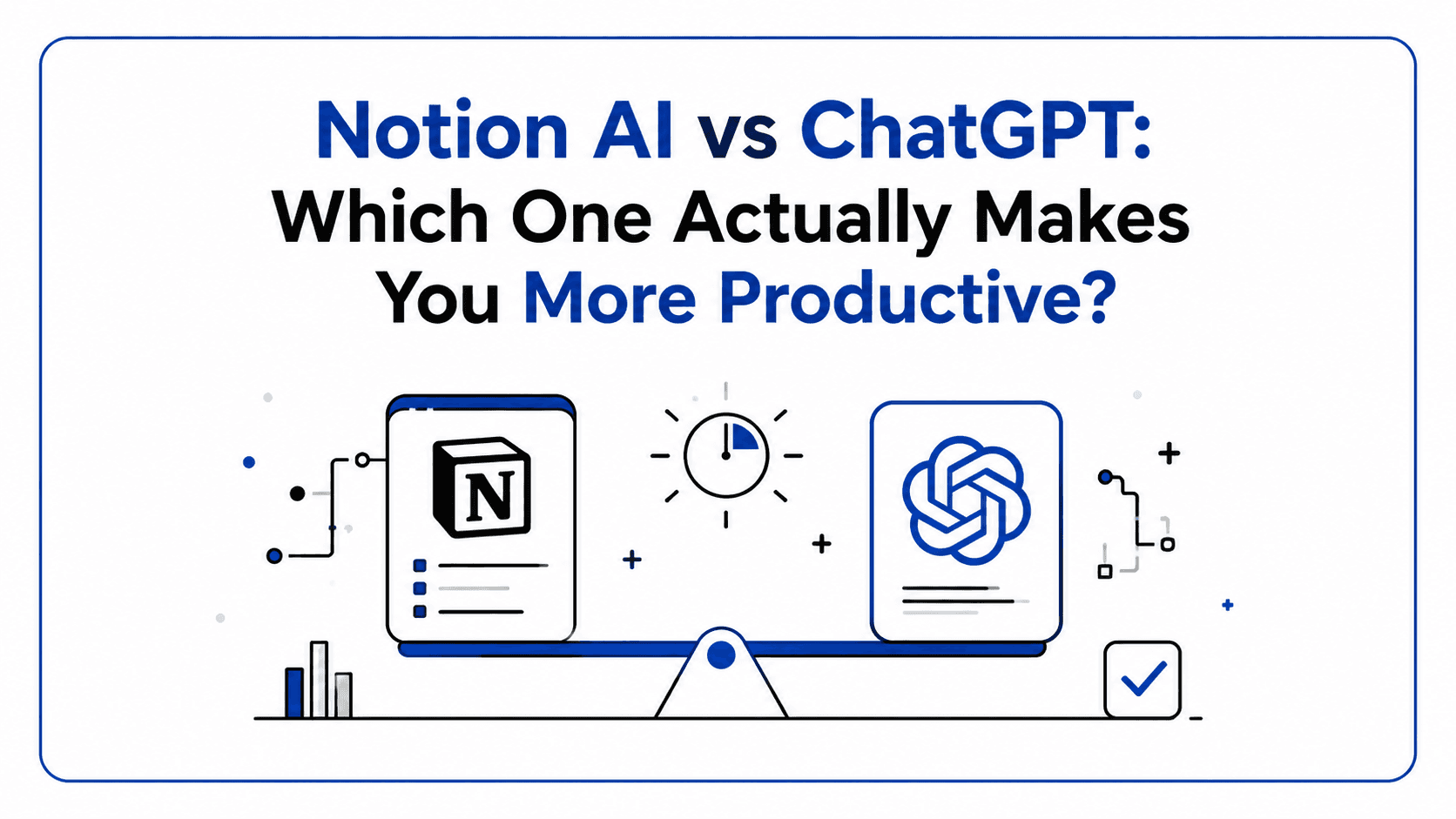
Notion AI vs ChatGPT: Which One Actually Makes You More Productive?
Notion AI vs ChatGPT explained through real workflows, productivity gains, and practical everyday use cases.
It's 11 PM. You have a project brief due tomorrow, three research papers open in separate tabs, and a Slack message from your manager asking for "a quick summary" of last month's work.
You open ChatGPT. You open Notion. You stare at both and wonder, which one do I use right now?
By the end of this article, you'll know which tool belongs in your workflow and which one you've been overusing for the wrong jobs.
What Are We Actually Comparing?
Notion AI is an AI layer built into Notion's workspace. It lives inside your documents and databases, helping you write, summarise, and organise the knowledge you've already stored.
ChatGPT is a general-purpose AI assistant. It works anywhere, on almost anything: writing, coding, research, analysis, and brainstorming.
These tools serve different jobs. Picking the "better" one without knowing your workflow is like debating whether a hammer or a screwdriver is superior.
The Feature Breakdown
| Feature | Notion AI | ChatGPT |
|---|---|---|
| Collaboration | Built-in | Limited |
| Brainstorming | Decent | Superior |
| Coding Help | Weak | Very Strong |
| Writing Assistance | Strong (inline, in-context) | Excellent (flexible, standalone) |
| Task Management | Native integration | Not built-in |
| Document Organisation | Best-in-class | No persistent workspace |
Writing: Who Actually Writes Better?
Notion AI's biggest strength is contextual writing. It lives inside your document, so when you ask it to "improve this paragraph", it reads what you've written. It can rewrite sections in your tone, auto-fill bullet points, and draft from a title or prompt.
ChatGPT is a stronger writing partner when you need voice, nuance, and depth. Give it a solid prompt and it can produce blog posts, emails, scripts, and technical docs at a high level.
Bottom line: For writing inside a working document, Notion AI wins. For standalone, high-quality writing in any format, ChatGPT wins.
Brainstorming: Not Even Close
ChatGPT wins here by a clear margin. Its open-ended, conversational format is built for ideation. Throw a half-formed idea at it and get ten sharp angles back in seconds. It's like thinking out loud with someone who never runs out of energy.
Notion AI can brainstorm, but it feels like a structured assistant rather than a creative partner. It's better at expanding an existing idea than generating entirely new ones.
Coding Help: ChatGPT Wins Decisively
There's no real competition here. ChatGPT is one of the best AI coding assistants available. It writes functions, debugs errors, explains code line by line, refactors modules, and handles multiple languages with precision.
Notion AI can insert basic code snippets, but it's not designed for developers. If you use Notion for documentation, you'll still reach for ChatGPT when writing actual code.
Task Management: Notion AI's Home Turf
This is where Notion AI earns its keep. Notion is built around databases, pages, and structured workspaces. The AI layer sits on top of that infrastructure: it auto-generates task lists from meeting notes, fills in database properties, creates project templates, and connects ideas across your workspace.
ChatGPT has no task management system. It can help you think through a task list, but it can't store, organise, or track anything without third-party integrations.

Real-World Workflows
The Student Research Pipeline
- Find a research paper. Paste the abstract into ChatGPT: "What are the 5 key arguments and what counterarguments exist?"
- Copy the output into a Notion database with properties: Source, Topic, Status, and Key Arguments.
- After collecting 10 papers, use Notion AI: "Summarise all notes in this database and identify common themes."
- Use Notion AI to draft an outline in your writing page.
- Paste the outline into ChatGPT for expansion and argument refinement.
At the end, you have a research-backed paper outline in under two hours.
The Developer's Daily Stack
- Paste standup notes into Notion. Use Notion AI to auto-generate a daily task list.
- Coding sessions: ChatGPT for debugging, code explanation, and refactoring.
- Feature documentation: draft in ChatGPT and clean up in Notion AI inside your team wiki.
- End of day: use Notion AI to generate a progress summary from today's page. Paste into team Slack.
Result: Documentation stays current. Coding stays sharp. Admin overhead drops.
The Final Verdict
If you had to pick just one:
Pick Notion AI if your primary pain point is staying organised, documenting your work, and managing team knowledge.
Pick ChatGPT if your primary pain point is producing high-quality output, writing, code, research, and analysis faster and smarter.
If you're serious about productivity, use both and build the workflow that connects them.
If you could only keep one AI productivity tool for the next year, which would you choose and why?